Tech for Smart Homes: Useful or Gimmick?
Smart-home features show up in a lot of Las Vegas listings, but not all of them deserve your money. In more than 36 years in real estate, including my years as a licensed residential real estate appraiser, I have learned to separate the features that solve real problems from the ones that just add a line to the marketing. This guide is that filter: what is genuinely useful, what is a gimmick, and what to ask before you pay for someone else's setup.
A smart feature is still just a feature
Here is the honest version: a house is not worth more because it has gadgets. Location, condition, size and the market set the value. A great smart setup sits on top of those fundamentals, and it only counts when it works, fits how you live and does not cost you a fortune to keep going.
So the smart way to shop is not to hunt for the most tech-forward listing. It is to know which features genuinely help, which ones are easy to change later, and which questions to ask so a marketing bullet point never becomes a surprise bill after closing.
This guide stays general on purpose. Nobody can tell you from a listing what is installed, what is integrated and what depends on an app. That is why the most useful skill here is knowing what to look for and what to ask.
The features that are genuinely useful
These are the smart-home features I would notice as a buyer, the ones that solve a real problem in a Las Vegas home rather than existing for the sake of the listing. Think of the list as a way to separate what matters from what is simply installed.
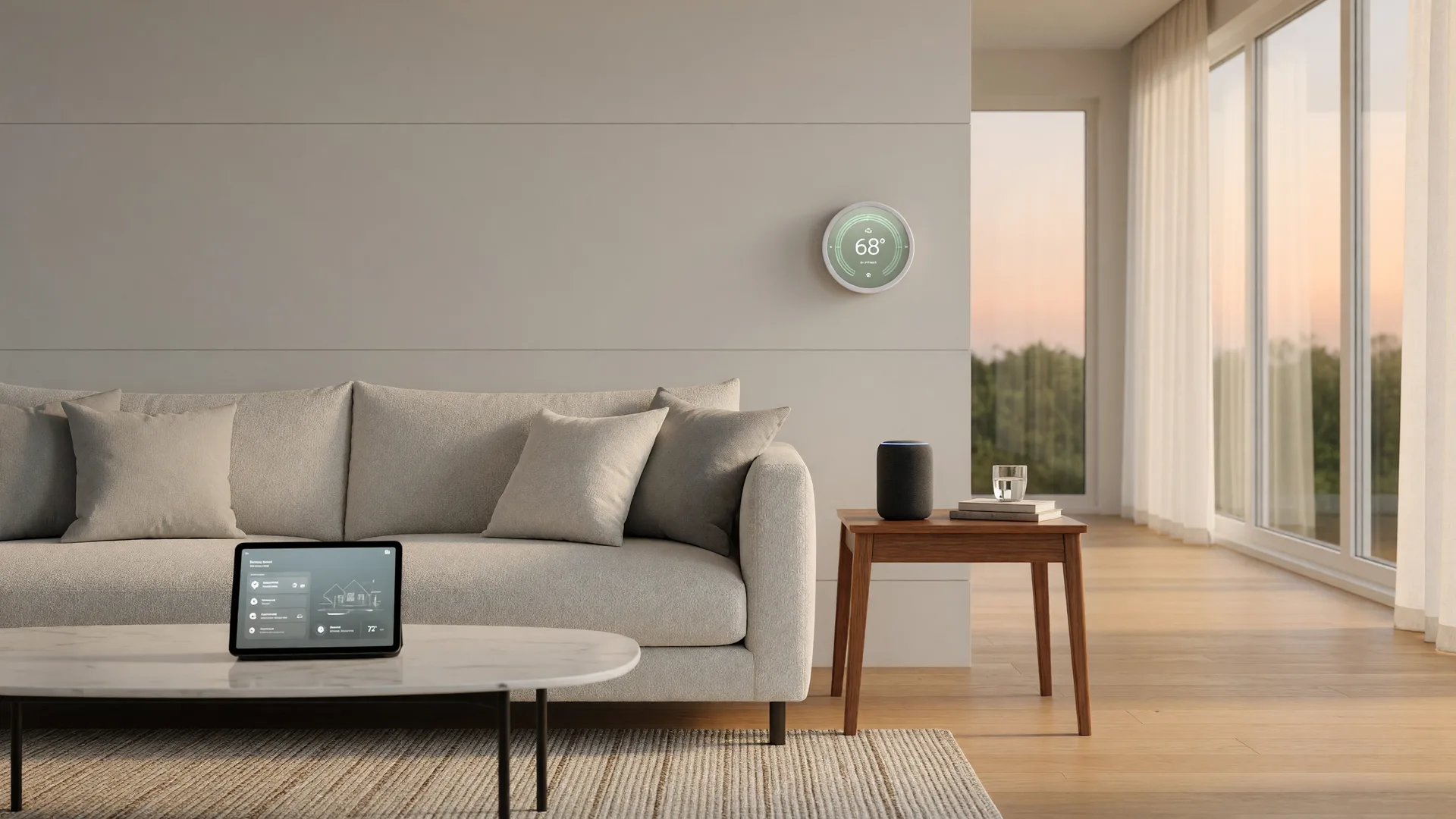
Smart thermostats
In a climate where cooling runs most of the year, a thermostat you can program, adjust remotely and take over with your own account is genuinely useful. Just make sure the unit itself stays with the house and that the seller disconnects it from their app so you start fresh.
Security cameras and video doorbells
Cameras and video doorbells can be practical for checking deliveries, visitors and activity while you are away. Ask where each camera points, whether it records to a local device or a cloud service, and whether anything depends on a subscription you would inherit.
Smart locks and door entry
A keypad or app-controlled lock is convenient, especially for families, renters or caregivers. Remember the physical lock still matters, and plan to factory-reset and reprogram any smart lock so the seller's codes do not keep working after closing.
Lighting controls
Dimmers, timers and lights that run on schedules can save you from coming home to a dark house or leaving everything on. They are also easy to change later, so treat them as a convenience rather than a reason to pay more.
Garage door openers
An opener you can control and monitor from your phone is a real convenience, especially in the summer when nobody wants to get out of the car in the heat. Ask whether the smart controller is owned or tied to the seller, and whether it can be re-paired under your own account.
Water leak sensors
Water damage is expensive, and a small sensor near a water heater, washing machine or under sinks can catch a problem early enough to matter. If the home has them, find out how they alert you and what happens when one goes off.
Whole-home wiring and a hub
The single most valuable thing is often invisible: structured wiring, a central panel or a hub that ties the system together. That is easier to live with than seven gadgets running seven separate apps. Ask to see where the wiring, router and any hub actually live.
None of these features should be the reason you fall for a house, and none of them should be the reason you walk away either. They are pieces of the puzzle, and every one of them can be reset, replaced or removed. What matters is that you know which ones matter to you.
Real value, or a good story?
The fastest way to tell a useful feature from a gimmick is to run it through a few questions. You do not need to be technical to do this. You just need to be curious and willing to ask at the showing, in the disclosures and over email.
- 01
Does it solve a real problem?
A useful feature makes something you would do anyway easier: adjusting the thermostat, checking the front door, knowing the garage is closed. A gimmick exists mostly to look impressive at a showing. If you cannot name the daily problem it solves, treat it as decoration.
- 02
Does it work without a subscription?
Some smart features are free once installed. Others quietly require a monthly service, a monitoring contract or a manufacturer's cloud account. Ask directly what each feature needs to keep working, because that cost is part of the real monthly price of the home.
- 03
Is it one system or a pile of apps?
A well-integrated home runs through one hub or a small set of apps that talk to each other. A house full of single-purpose gadgets from different makers can be a support headache. The difference usually shows up the first time something stops working.
- 04
Can you actually take it over?
The seller gets the house keys, but the accounts should not follow. Every smart device should be reset, logged out and set up under your name, with passwords changed. If the seller cannot or will not, get the reset instructions in writing before you commit.
- 05
Would you pay to add it yourself?
Ask yourself what the feature would cost to install and whether you would buy it. Most smart-home equipment is reasonably easy to add later. If you would not spend the money on it yourself, it should not be the reason you offer more on the house.
Run every smart feature through these five questions and most of the guesswork disappears. The features that survive are the ones worth a line in your offer. The rest are nice to have, and nice to have should never set your budget.
What actually matters for resale
In my years as a licensed residential real estate appraiser, I learned that appraisers value homes by comparing them to similar properties that actually sold, and most of the comparison happens in the fundamentals: location, size, condition, age and layout. Smart features rarely change a home's appraised value on their own.
That does not mean smart tech is worthless. A well-integrated setup, reliable security, a smart thermostat and leak protection can support a home's appeal and speak well of how it was cared for. They can make a home easier to live in and easier to sell. But no appraiser adds value for a gadget that may be obsolete in a few years. The comparable sales do not care about the color-changing bulbs.
So the honest way to think about it: buy the smart features because you will use them, not because you hope a future buyer will pay for them. If a home is priced high because of its technology, we should question that premium the same way we would question any other.
Wi-Fi, bandwidth and the Las Vegas summer
Almost every smart feature in a home talks to the internet, and in Las Vegas that matters more than people expect. Your thermostat, cameras, doorbell, locks and garage opener all ride on the same Wi-Fi. If the signal is weak in a far bedroom or the garage, the smart home is only as smart as its worst dead zone.
Ask where the modem and router are located, whether there are ethernet or structured-wiring drops around the home, and whether the seller ever had coverage issues in the far corners. In a big single-story floor plan or a two-story with a thick concrete block between floors, coverage is a real question, not a formality.
Bandwidth matters in a different way. Streaming, working from home and a dozen connected devices can compete for the same connection, and many smart devices depend on a cloud service that sits outside the house. Understand what the home's system needs before you assume it will all just work. None of this is a dealbreaker. It is information, and information is exactly what you want before you sign.
Privacy, accounts and who owns the setup
The least glamorous part of a smart home is also the most important: whose accounts, whose data and whose subscriptions come with the deal. Buyers focus on whether the thermostat works and forget to ask whether they can actually log in as themselves. These are the questions that prevent surprise bills and surprise access later.
- 01
What is actually installed, and where
Do not trust the listing alone. At the walkthrough, ask which smart features exist, which rooms they cover and whether the seller's disclosure mentions them. What is bolted to the wall or wired into the panel is part of the deal; what relies on an app or a rented controller may not be.
- 02
Integrated or app-by-app
Figure out whether the home is centrally wired or hub-based, or whether each device runs on its own app with its own login. You can live with either, but you want to know which one you are buying before you inherit the logins.
- 03
Accounts, cloud services and subscriptions
Plan to reset every device and create your own accounts after closing. Ask what depends on a manufacturer's cloud service, what happens if that service changes or ends, and whether any equipment is rented, leased or tied to a monitoring contract you would need to take over or cancel.
- 04
Cameras, privacy and the neighbors
Cameras can record your street, your neighbors' doors and common areas, so think about privacy, both yours and theirs. Check the HOA rules and CC&Rs too, because some associations have rules about exterior cameras and doorbell cameras, and what worked for the seller may not be allowed for you.
- 05
Compatibility with your own devices
Before you assume every feature will fit your life, check which phone, tablet or assistant ecosystem the home's devices work with. Most buyers do not replace every gadget at closing, so it helps to know up front whether the setup matches what you already own.
If the smart features genuinely matter to you, put them in the deal. Ask for a list of what is installed, request that every device be reset and transferred to your accounts before closing, and check the disclosures for anything that is rented, leased or under a monitoring contract. A house with good fundamentals and a clean handoff is the real score.
Next resources
Match the house to how you actually live, not how it looks in the listing photos.
Read it Home Inspections: What They CoverWhat the inspection looks for, including the systems and wiring the smart tech sits on top of.
Read it The Buying Guide hubThe full six-step path from pre-approval to closing, in order.
Read itLet's look at what's really installed
Smart-home features are never the best reason to buy a house, but they should never be a surprise either. If a listing leans hard on its technology, I will help you walk through what is actually there, what it costs to keep, and whether it fits how you plan to live. And if the tech turns out to be gimmicks, we will know that too, before you pay for it.
Call me at 702-683-3362 or email me at realtrchik@gmail.com. Bring the listing, bring the questions, and we will go through the setup together like we would any other part of the house, with the evidence in front of us.
Licensed in Nevada · Sales Person S.0072707 · Equal Housing Opportunity
Disclaimer: By providing your information, you agree to receive communications from Sandy Margolin. Message and data rates may apply. If the property is listed with another REALTOR® or Broker, please disregard. Information deemed reliable but not guaranteed.